
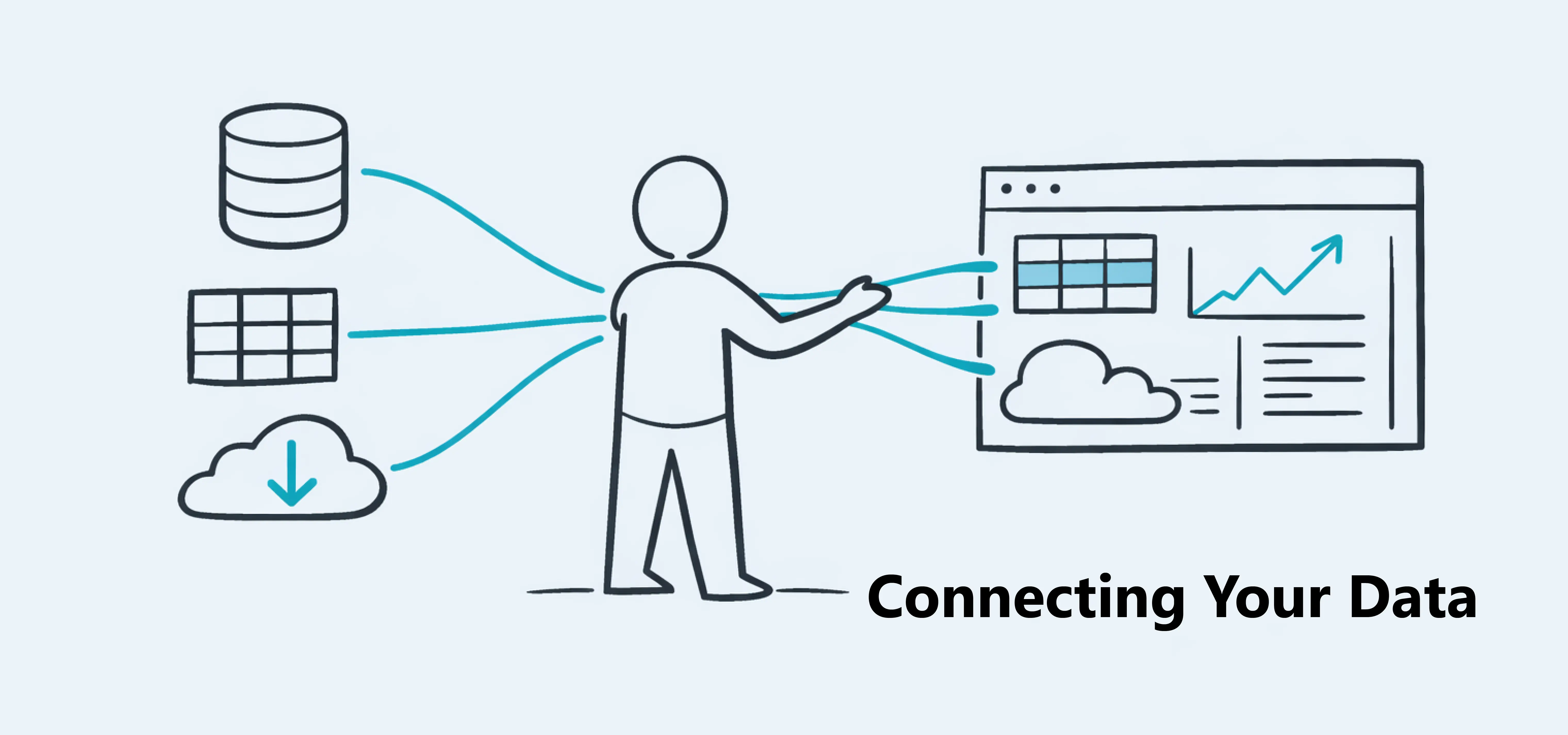
Connecting Your Data
Learn how to import data and connect it to your data blocks.

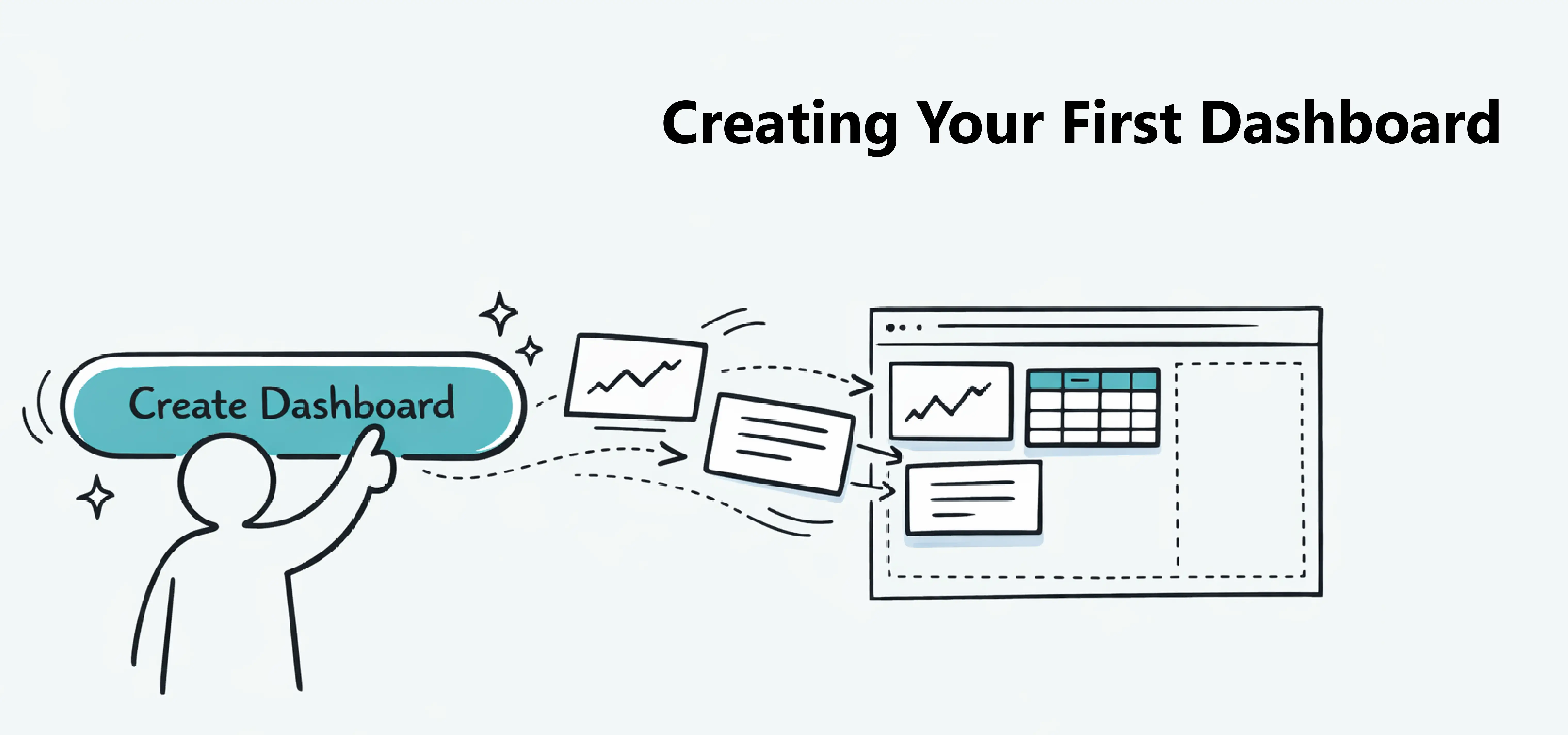
Creating your first dashboard is the easiest way to see how Dashbreeze works. In a few steps, you can start turning your data into visual insights.
Click the Create Dashboard button on the home page.
You will see an empty canvas where you can start adding blocks to display your data.
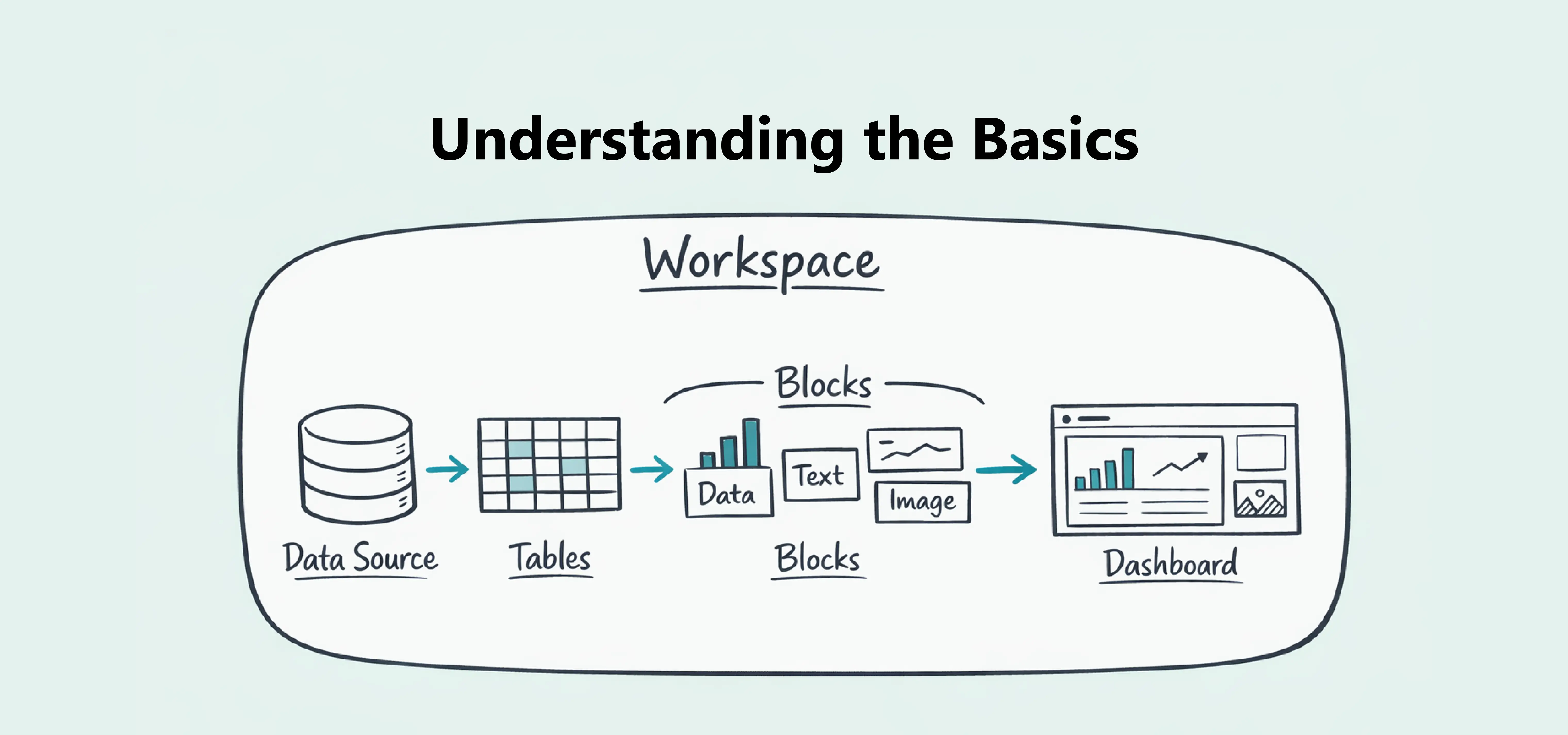
Open the Blocks panel in the left sidebar and select a data block.
Data blocks are available in three categories:
Choose the data block you want and add it to your dashboard.
Data blocks need a table to display information.
Click the block to open its settings, then click Select Table.
Choose an existing table from your workspace, or create a new one if you haven't imported your data yet. We'll explain how to create tables in the next lesson.
Tip:If you just want to explore Dashbreeze, try one of the sample tables included in your workspace.