

You don't have to be an expert to create professional dashboards

Get a fully functional, shareable dashboard with updated data in 10 minutes. Connect your data, customize the design and publish it with a few clicks.


14-day free trial
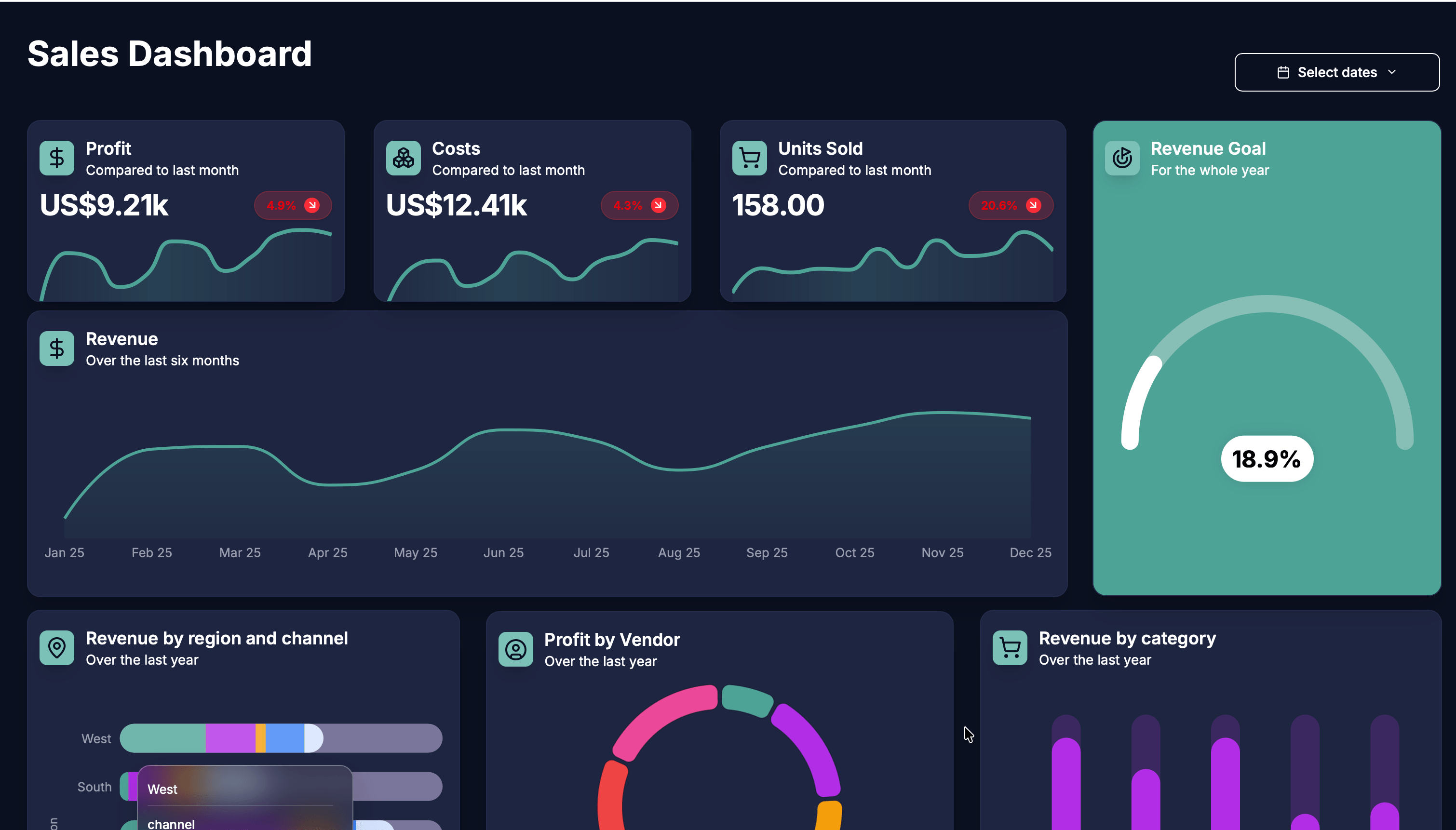
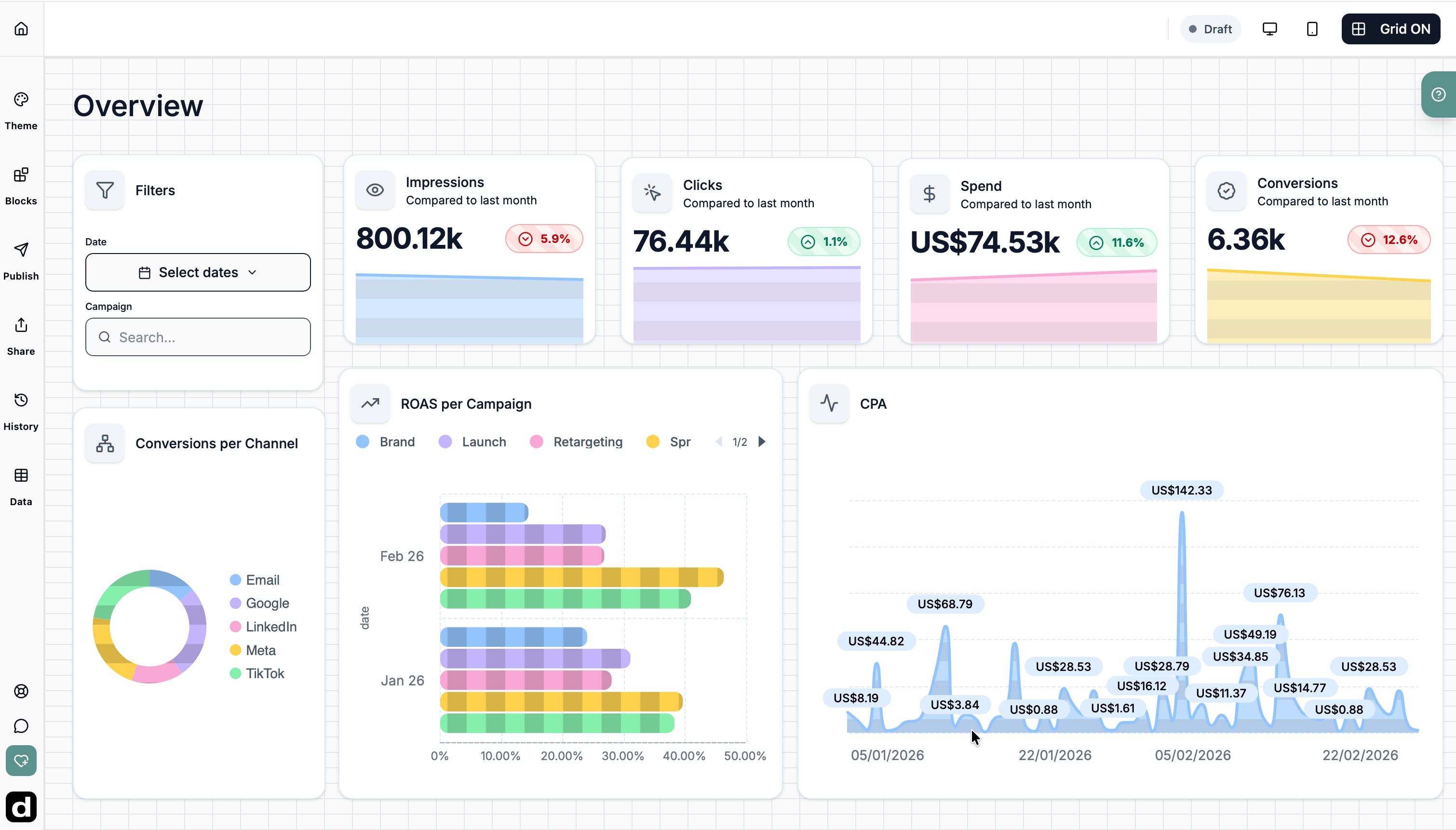
Dashbreeze dashboard tool interface showcasing mobile and desktop dashboard views with charts on profit, revenue, and product sales.
Dashbreeze - You don't need to be an expert to create dashboards | Product Hunt

How it works

Turn your data into something worth sharing

Bring your data together, visualize what matters, and share it with the people who need it.

Turn your data into dashboards worth sharing
1

Create a dashboard

Start by creating a dashboard, then add the blocks you need to visualize your data.

2

Bring in your data

Connect a spreadsheet or another tool — it takes just a few clicks.

3

Share with the right people

Share dashboards with clients, teammates, or anyone who needs access.

design

Professional dashboards, made simple

Everything you need to create dashboards that look polished, organized, and ready to share.
Icons representing different Dashbreeze dashboard blocks, including text, charts, media, and data visualization components.

Flexible blocks

Arrange charts, metrics, tables, and texts exactly where you need them.

A chart icon representing the different chart styles available in Dashbreeze for dashboard creation and data visualization

Custom styles for every dashboard

A range of styles to present your data clearly and tell the right story.

A palette icon representing dashboard theme customization in the Dashbreeze dashboard builder

Themes that bring it all together

Apply a theme and instantly give your dashboard a polished, consistent look.

A table icon representing the available data shaping options

Bring and shape your data

Bring data from your device or apps into one place. Organize it, format it, and keep it up to date automatically.

Sort, filter, rearrange and rename columns to keep everything clear and easy to navigate.
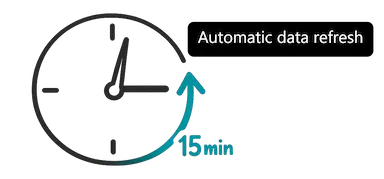
Stay up to date automatically - set automatic updates to your data
Bring and shape your data

Data

Works with tools you already use

Import files or connect the tools you already use to build dashboards faster.
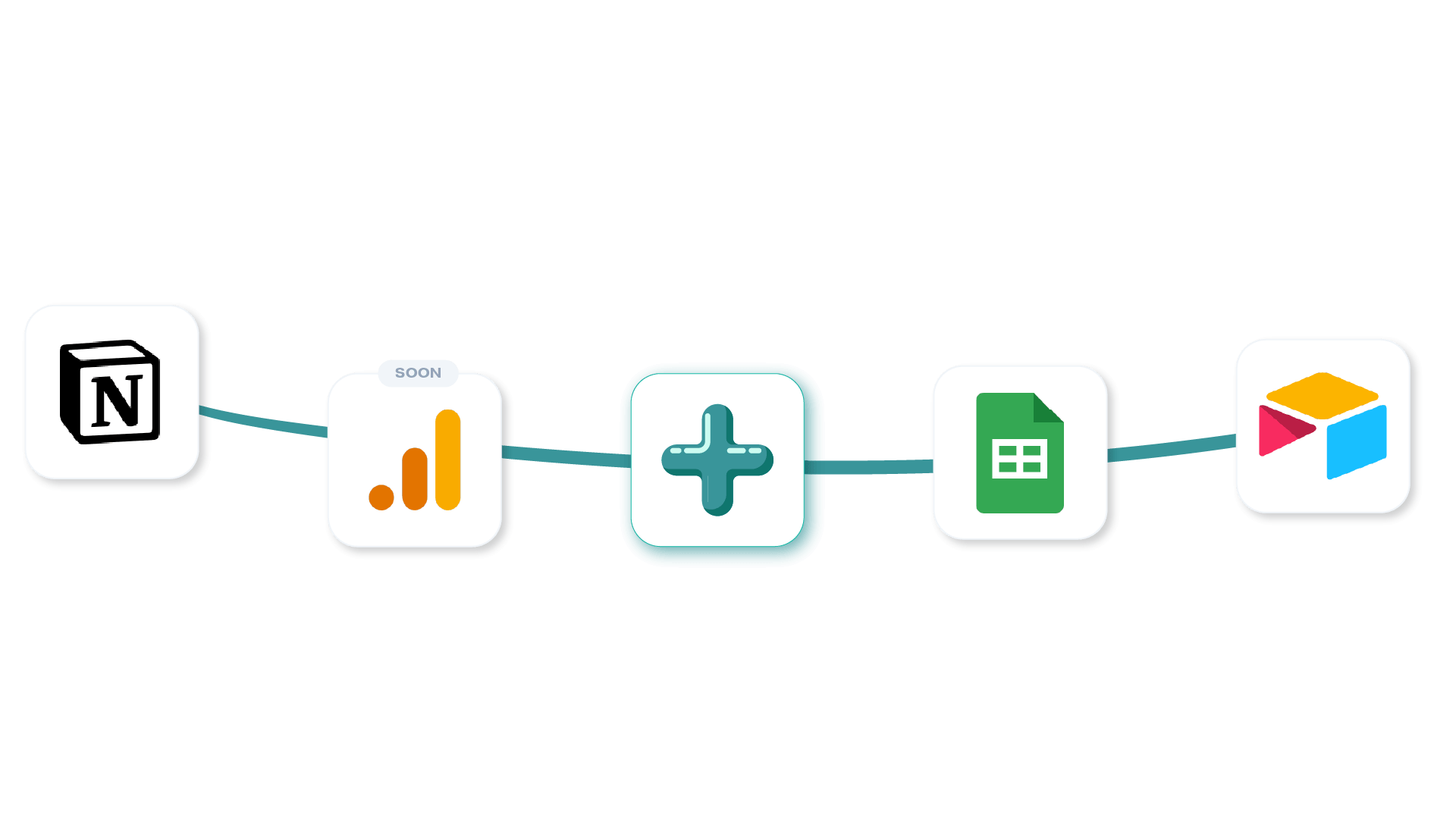
Dashbreeze dashboard builder showing integrations between Notion, Google Analytics, Google Sheets, and Airtable, allowing users to connect data sources and build shareable dashboards.
+
+
+
+

Other supported formats

.xlsx.xls.csv.json.parquet

Coming soon

PostgreSQL logoPostgreSQL
MySQL logoMySQL
Microsoft SQL logoMicrosoft SQL
Stripe logoStripe
Shopify logoShopify
A paper plane icon representing the sharing method.

Share dashboards your way

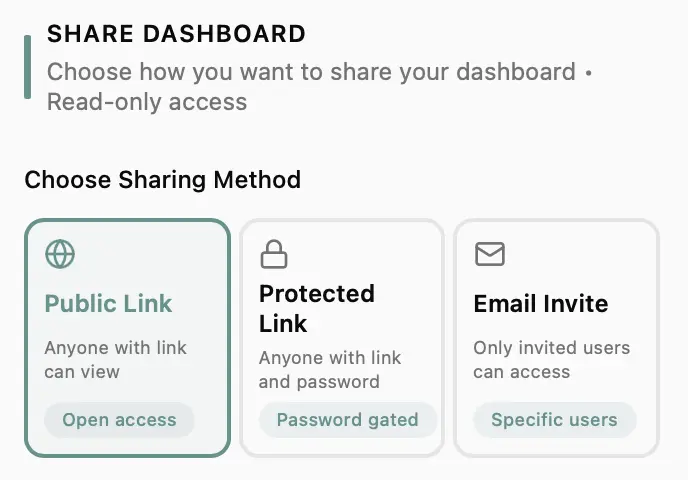
Whether you're sharing with one person or your entire team, you decide how people access your dashboards.

Send your dashboard with a link so others can view it instantly.

Share dashboards your wayDashboard sharing options

Collaboration

Work together on dashboards

A shared space for your team to build and manage dashboards together — keeping everything organized as you grow.


avatar representing a female Dashbreeze workspace member who created a dashboard
avatar representing a male Dashbreeze workspace member who created a table
Dashbreeze dashboard tool interface showcasing mobile and desktop dashboard views with charts on profit, revenue, and product sales.
Three users collaborating on a project

Work together in real time

Invite your team, share dashboards, and build together in one place.

An icon of a user and a lock, representing roles and security

Control who can edit

Assign roles and decide who can edit or manage each workspace.
Illustration of a person presenting and sharing a Dashbreeze dashboard, a dashboard builder for creating and collaborating on business dashboards with charts and KPIs

Create dashboards you'llbe proud to share

Simple to build. Clean to look at. Easy to share.

14-day free trial

Frequently asked questions

Everything you need to know about Dashbreeze.

Dashbreeze helps you turn spreadsheets and business data into beautiful dashboards. Connect your data, customize the design, and share insights with anyone.
Not at all. Dashbreeze is built for people who want well-designed dashboards without a complicated setup. If you can use a spreadsheet, you can build a dashboard with Dashbreeze.
Connect data from Google Sheets, supported integrations, or your own files. Whether your data lives in a spreadsheet, business tool, or file, Dashbreeze makes it easy to turn it into a dashboard.
Yes. Supported data sources can automatically refresh your dashboards, helping you keep reports current without constantly importing new data.
Yes. Combine data from multiple sources into a single dashboard to get a complete view of your business.
Once your dashboard is ready, sharing it takes just a few clicks. Send a link, add it to your website, protect it with a password, or share it directly with the people who need access.
Yes. We use secure connections and industry-standard security practices to help keep your data safe.
Absolutely. Start with a free trial and explore everything Dashbreeze has to offer before choosing a plan.

Still have questions?

Get in touch