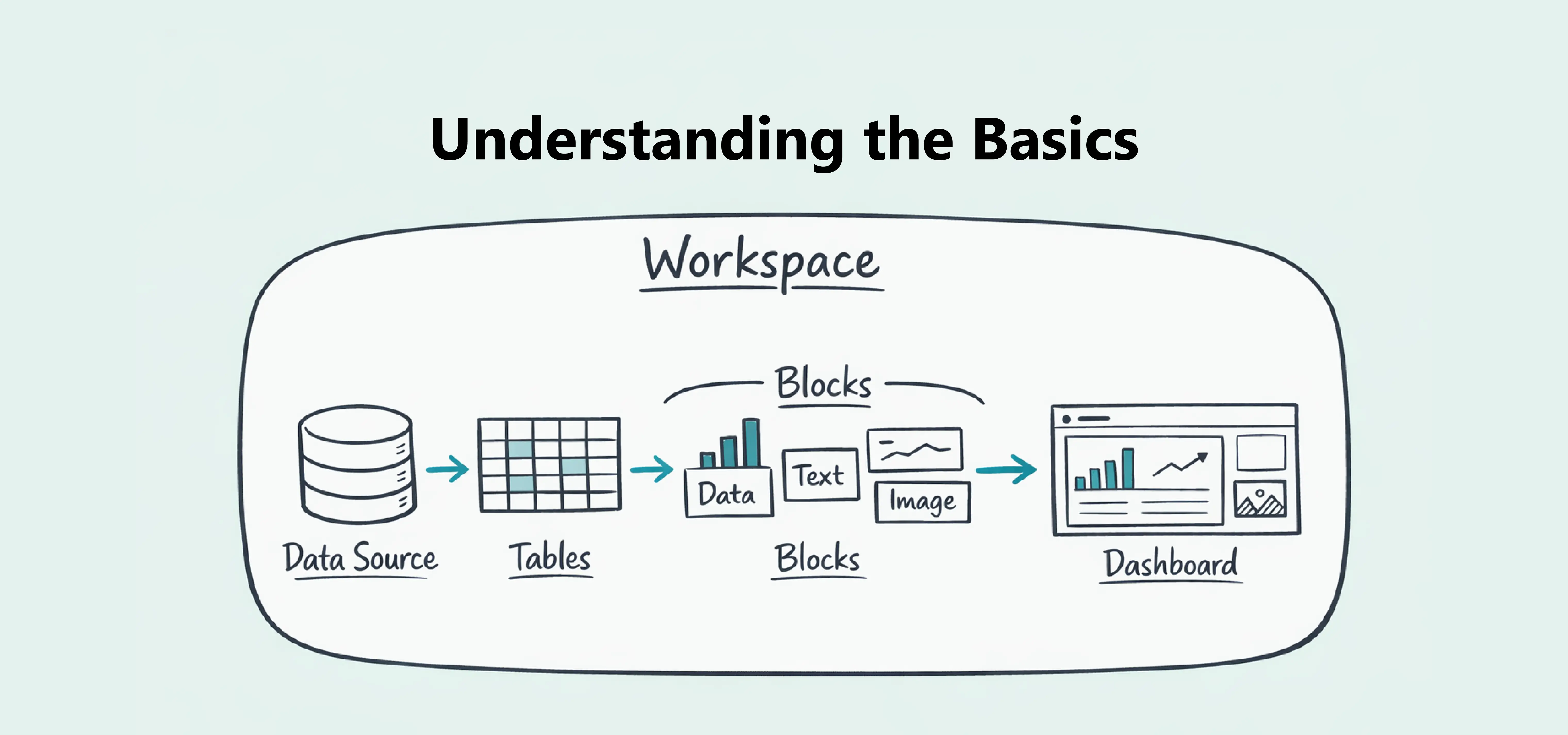
Understanding the Basics
Learn the core concepts of Dashbreeze, including workspaces, data sources, tables, blocks, and how dashboards are built.


Dashbreeze helps you turn your data into clear, interactive dashboards.
You can use Dashbreeze to:
Dashbreeze works with two main concepts:
To get started, create a dashboard and add a data block (Chart, Highlight, or Details). Click Select data to connect a source and build your table. When it’s ready, go back to your dashboard, pick the table in your block, and choose how your data should appear.
As your dashboard grows, you can customize its appearance, collaborate with your team, and publish it when you're ready to share it.
If you're new to Dashbreeze, focus on building your first dashboard. You'll quickly learn how tables, blocks, and dashboards work together as you use the platform.